
your stations
Search for a station, save your favourites and switch between them without leaving the board.
Live UK train departures, platforms, delays and cancellations—right from your Mac’s menu bar.
Download for macOSmacOS 14+ · Apple silicon & Intel · Free
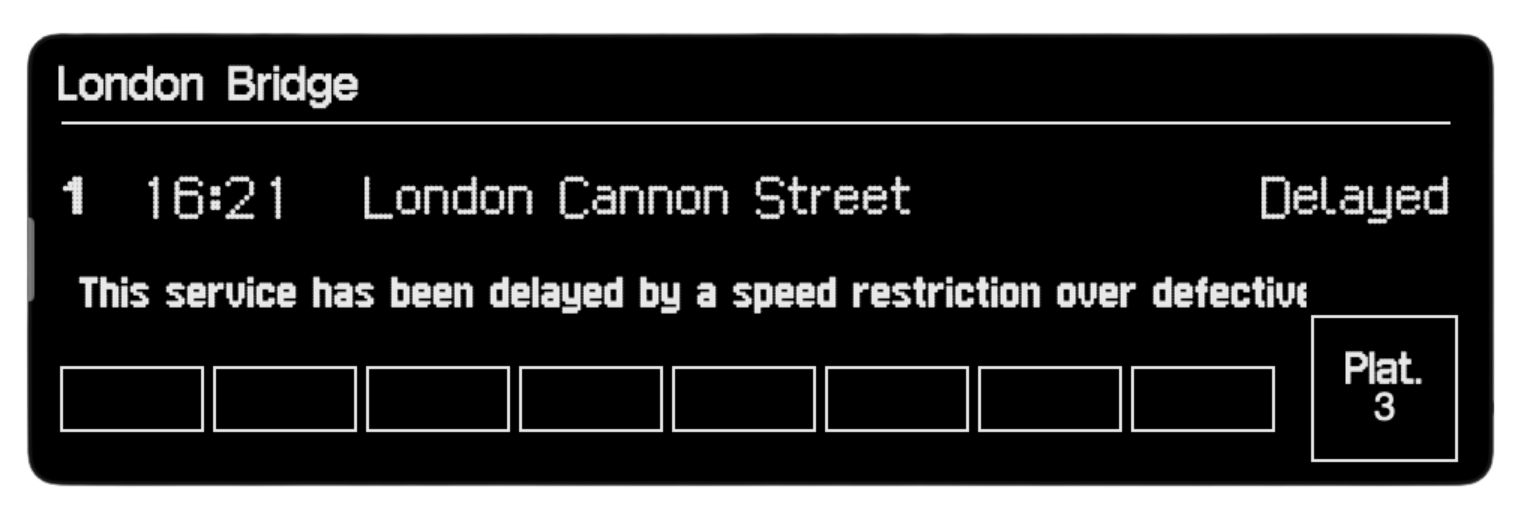
The next departure, its platform and status, in a compact board.
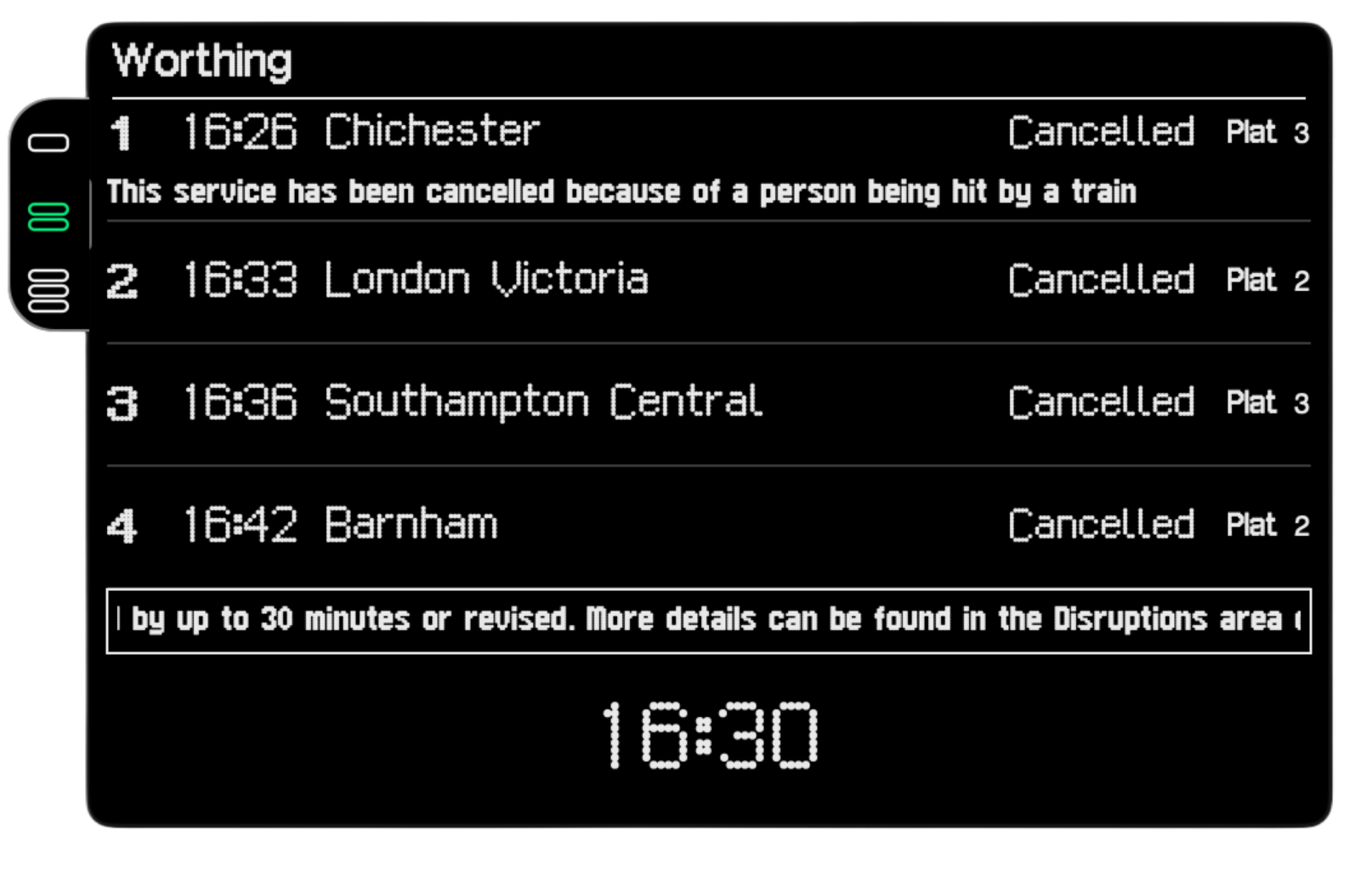
An alternative compact view with the next departures together.
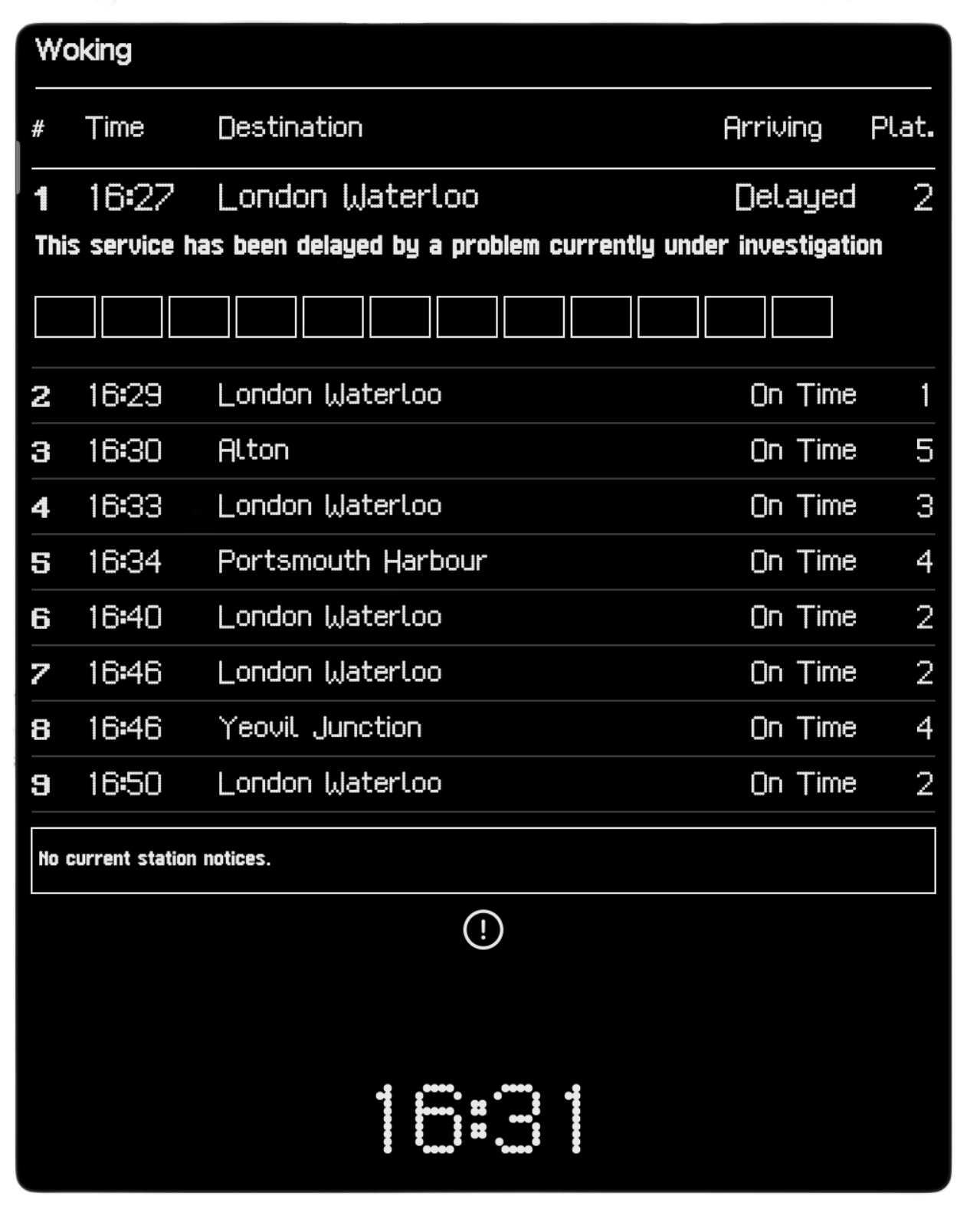
More departures at a glance, with expected times and station notices.
Search for a station, save your favourites and switch between them without leaving the board.
See scheduled and expected departure times, platforms, delays and cancellations.
Open a departure to check its calling points and live progress.
Choose Display, Extended or List to see your departures the way you prefer.
Keep the last successful board when disconnected, with stale or offline information clearly marked.
Platform lives in the menu bar and only refreshes the departure board while it is open.
Use Download for macOS to get the latest universal ZIP. Open it in Finder.
Drag Platform.app into your Applications folder.
On first launch, Control-click Platform in Finder and choose Open. Confirm the macOS prompt. Look for the train icon in your menu bar, then choose your station.
Platform requires macOS 14 or later. The same universal download supports Apple silicon and Intel Macs. It shows UK train services.
Platform lives in your menu bar. Click its train icon to open the departure board; there is no Dock icon or full application window to keep open.
Choose Check for Updates… from Platform’s menu. The app checks published releases and verifies the signature of update archives before installation. Older development builds may need one manual reinstall.
Platform can show its last successful board, clearly marked as stale or offline. Cached information is not live. Reconnect and refresh for current departures.
Check the installation guide or report a problem. Include your macOS version and what happened. For security or privacy issues, follow the private reporting instructions.
Favourite stations, preferences and the latest successful departure board are stored locally. An anonymous random installation identifier is stored in Keychain.
No accounts, analytics or advertising.
Station and service requests go through the project’s relay, along with the anonymous identifier for rate limiting. Cloudflare and National Rail may process ordinary connection metadata such as IP addresses.
Live railway information is supplied by National Rail through Darwin. Platform is not affiliated with or endorsed by National Rail.
Platform is free and open source under the MIT licence.
macOS 14+ · Apple silicon & Intel · Free beta